Why a UPI App Makes Daily Payments Simpler and More Organized
A UPI app can help users transfer money, pay merchants, settle household expenses, and manage everyday digital transactions through a linked bank account. Instead of entering full bank details for every transfer, users can often complete eligible payments using a UPI ID, mobile number, QR code, or saved contact.
The same application may also support bill payment for electricity, mobile, broadband, gas, and other eligible services. Bringing these transactions into one interface can make payment management more convenient, but users should still verify the recipient, amount, biller details, and transaction status before authorising any debit.
Morning Payments Can Begin With Small Routine Expenses
Digital payments often start early in the day. A user may pay for transport, breakfast, groceries, or a local service before reaching work.
A UPI app can make these low-value transactions quicker because the user does not need to carry exact cash or wait for change. However, the ease of paying can also make small expenses less noticeable.
Several payments of ₹50, ₹100, or ₹200 may appear insignificant individually but become a meaningful monthly amount when combined.
Transaction History Reveals Everyday Spending Patterns
Reviewing payment history can show how frequently money is being spent across categories such as:
- Food and beverages
- Local travel
- Groceries
- Online services
- Household purchases
- Person-to-person transfers
This information can support budgeting when users review transactions regularly rather than waiting until the account balance becomes low.
Merchant Payments Need Recipient Verification
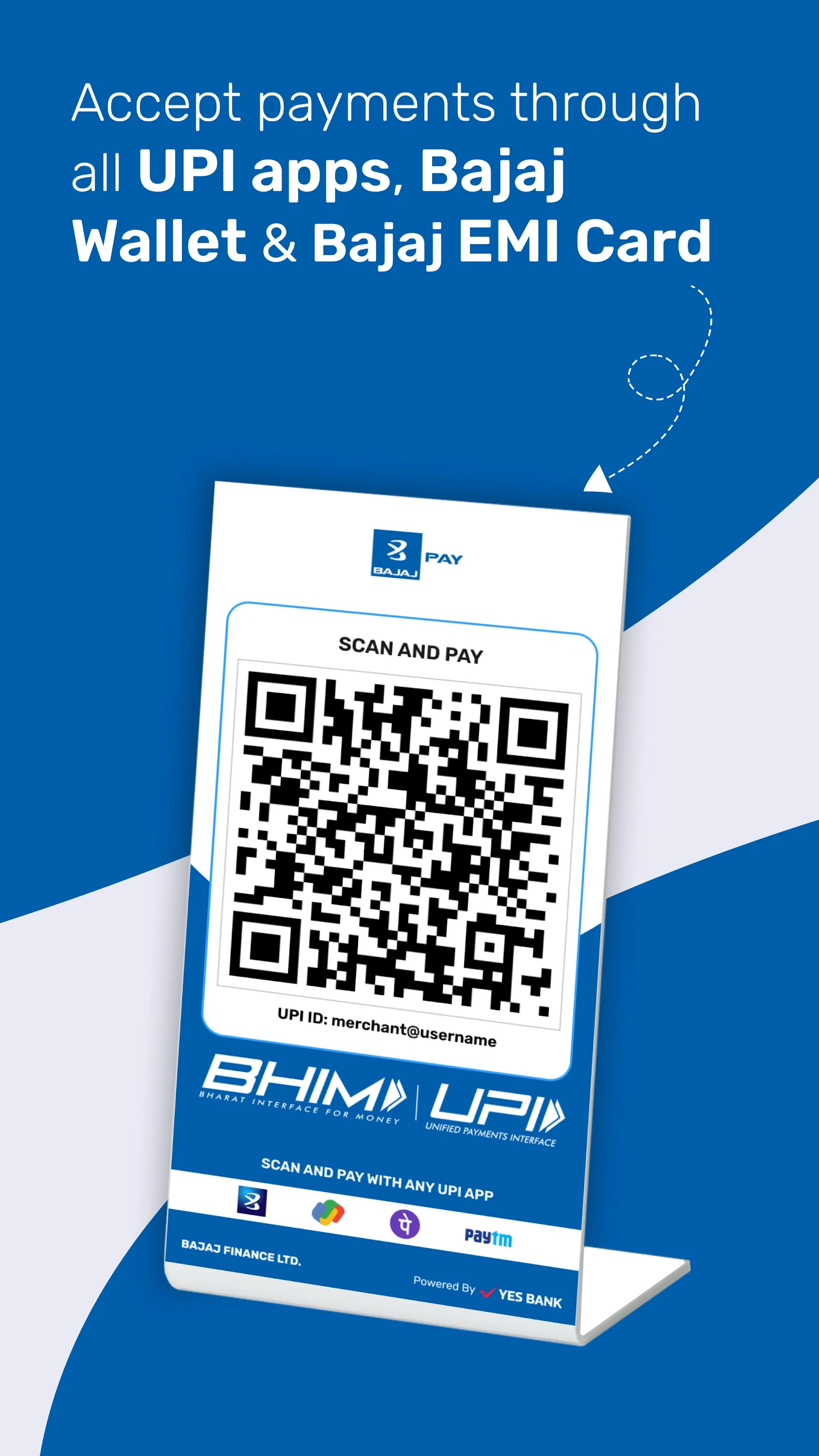
QR-based payments are common at shops, restaurants, pharmacies, and service locations. Before entering the payment PIN, the user should confirm the merchant name displayed on the screen.
A QR code may belong to:
- The business
- An employee
- A payment-service provider
- A different account placed incorrectly
- A fraudulent recipient
The displayed name and payment amount should therefore be checked carefully.
The Payment PIN Authorises a Debit
Users should remember that a UPI PIN is entered when approving money leaving the bank account. It is not required for receiving a normal payment.
Requests to enter a PIN to claim a refund, receive a prize, confirm an account, or accept incoming money should be treated cautiously.
The user should also avoid sharing:
- UPI PINs
- Banking passwords
- One-time passwords
- Card details
- Screen access
- Device-control permissions
A genuine recipient does not need these details to accept a payment.
Person-to-Person Transfers Require the Same Attention
Sending money to friends, relatives, colleagues, or service providers may seem straightforward, particularly when the contact is saved.
However, users should confirm the recipient before authorising the transfer. Mobile numbers can change ownership, people may use multiple bank accounts, and contacts can be saved under similar names.
For a new recipient, a small test payment may help confirm that the correct account has been selected before transferring a larger amount.
Payment Notes Can Improve Record-Keeping
Adding a short description such as “rent share,” “office lunch,” or “repair payment” can make transaction records easier to understand later.
This can be useful when users need to:
- Divide shared expenses
- Track reimbursements
- Review household spending
- Confirm service payments
- Resolve payment confusion
The note should remain brief and should not include sensitive personal or financial information.
Collect Requests Need Careful Reading
A collect request asks the user to approve a debit from the linked bank account. It is not the same as receiving money.
Fraudsters may send collect requests while claiming that the user must approve them to receive a refund or prize.
Before approving any request, check:
- The requester’s name
- The requested amount
- The stated purpose
- Whether the transaction was expected
- Whether the merchant or person is known
Unexpected requests should be declined rather than approved for testing.
Household Expenses Can Be Managed From One Place
A UPI app may support payments for utilities, recharge services, subscriptions, and other recurring household obligations.
Users can often save biller details so they do not need to re-enter the consumer number every month. This reduces repeated effort but creates a need for periodic review.
Saved billers should be updated after:
- Moving to another property
- Closing an electricity or gas account
- Changing a mobile number
- Switching a broadband provider
- Transferring a household connection
- Cancelling a subscription
An outdated account can lead to an incorrect payment even when the transaction itself succeeds.
Due Dates Should Be Matched With Income Cycles
Utility bills, rent, insurance premiums, and subscriptions may all be due at different times. Users can improve cash-flow management by viewing these dates together.
For example, when several payments fall before salary credit, the user may need to retain a larger balance in the bank account during the final week of the month.
Payment reminders can help, but they should not replace manual review. Notifications can be delayed, disabled, or missed.
Autopay Is Useful Only When It Is Monitored
Recurring mandates may support eligible subscriptions, bills, or other scheduled payments. They can reduce the chance of missing a due date, but users should understand:
- The debit date
- The authorised amount or limit
- The linked account
- The notification process
- Cancellation rules
- The effect of insufficient balance
Autopay should be reviewed regularly because inactive subscriptions may continue generating debits until the service and mandate are properly cancelled.
Pending Transactions Should Not Be Repeated Immediately
A transaction may occasionally show as pending because of network delays, bank processing, or communication issues between payment systems.
When this happens, users should avoid making the same payment again without checking the original status.
A sensible response includes:
- Checking the bank-account debit
- Reviewing the app’s transaction history
- Waiting for the stated resolution period
- Confirming whether the recipient received the money
- Contacting official support when required
Repeating the payment too quickly can result in duplicate debit and a longer refund process.
Failed Payments Can Still Require Follow-Up
A failed status does not always mean that no money was debited. The transaction result should be compared with the bank-account balance or statement.
Keep the transaction reference and review:
- Date and time
- Amount
- Recipient or biller
- Status displayed
- Account debit
- Refund information
Support requests should be raised through the official app or bank channel. Users should avoid searching randomly for customer-care numbers because fraudulent support listings may appear online.
Offers Should Remain Secondary to the Payment
Cashback, scratch cards, coupons, and rewards may encourage users to choose one payment route over another. These promotions can provide value when the payment was already necessary and all eligibility conditions are met.
Before relying on an offer, review:
- Eligible payment category
- Minimum transaction amount
- Maximum reward
- Activation requirements
- Expiry date
- Cashback timeline
- Excluded users or merchants
- Reversal conditions
A small reward should not encourage unnecessary spending or the use of an unfamiliar recipient.
A UPI Offer May Not Apply to Every User
An upi offer can be limited by payment type, merchant, bank account, user history, location, or campaign period. The visible headline may not explain every condition.
Users should read the complete terms before expecting a reward. When the benefit is not credited, they should retain the transaction record and contact official support rather than sharing payment credentials with a caller.
Multiple Bank Accounts Need Clear Management
Many users link more than one bank account to the same application. This can provide flexibility, but it may also lead to payments being made from the wrong account.
A user may prefer:
- A salary account for essential household expenses
- A separate account for discretionary spending
- A business account for eligible professional transactions
- A secondary account for backup payments
The default account should be checked before every important transaction, especially after an app update or bank-account change.
Spending Limits Can Support Better Control
A UPI app makes payments quick, but speed can reduce the pause that normally occurs before spending cash.
Users can create personal controls by:
- Setting a daily spending budget
- Reviewing transactions every evening
- Separating essential and optional expenses
- Disabling unnecessary mandates
- Keeping limited funds in a spending account
- Using alerts for every debit
These habits help maintain convenience without losing visibility over account activity.
Refunds Need Independent Verification
A merchant may state that a refund has been initiated, but users should verify when it reaches the bank account.
A refund message or screenshot does not always confirm final credit. The user should compare the reference provided by the merchant with the bank or app transaction record.
No PIN should be entered to receive a standard refund. A request to approve a collect transaction for refund processing is a warning sign.
Device Security Protects Payment Access
The security of a payment application also depends on the phone being used.
Helpful practices include:
- Using a strong screen lock
- Installing updates
- Downloading apps from official stores
- Avoiding unknown screen-sharing software
- Reviewing application permissions
- Blocking the SIM after phone loss
- Informing the bank after suspected compromise
- Removing old devices from linked services
Payment access should not be left open on a shared or unattended device.
Monthly Review Keeps the App Organised
A short monthly review can prevent digital clutter and reveal unnecessary expenses.
Users can examine:
- Saved billers
- Linked accounts
- Active mandates
- Recurring subscriptions
- Pending refunds
- Unrecognised transactions
- Unused payment methods
- Expired offers
This turns the UPI app from a simple payment tool into a more useful record of daily financial activity.
Conclusion
A UPI app can simplify everyday transfers, merchant payments, utility expenses, and transaction tracking. Its value comes from reducing payment friction while keeping records accessible in one place.
Convenience should be supported by careful recipient verification, secure PIN use, regular mandate review, and attention to pending or failed transactions. When users monitor both individual payments and monthly patterns, digital transactions become easier to manage without weakening control over household spending.